

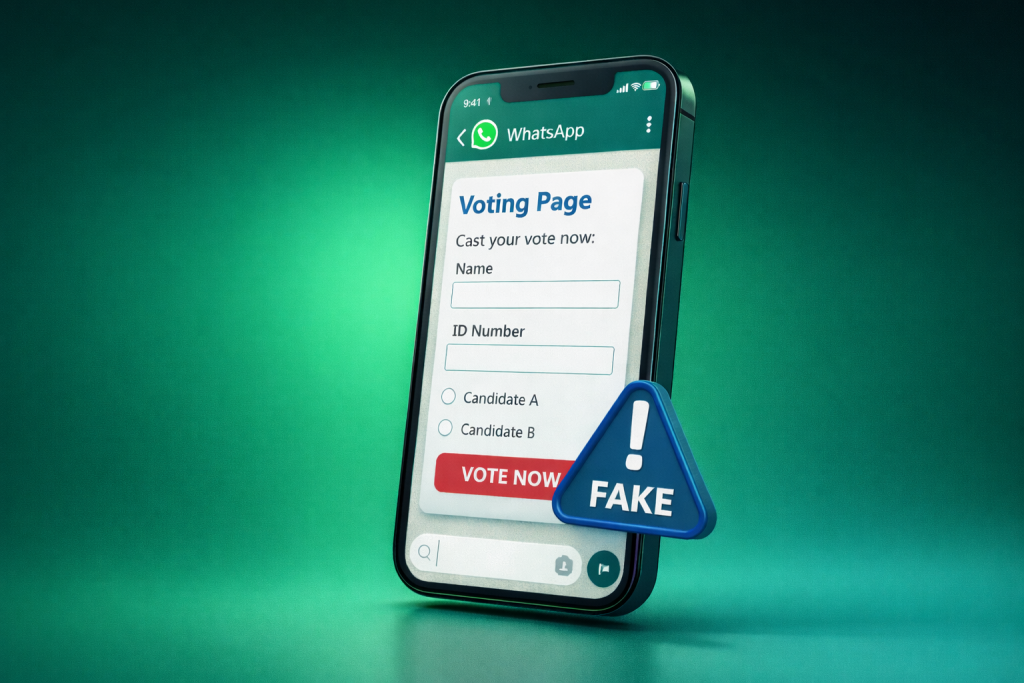
A few months ago, Kaspersky researchers identified a new phishing campaign targeting WhatsApp users worldwide. The attack relies on fake online voting pages and a simple but effective form of social engineering. Victims are tricked into handing over access to their WhatsApp accounts often without realising what’s happening until it’s too late.
Messages like this are common: “Hi! My niece is in a contest, can you vote for her?”
The request may arrive in a private chat or a group. It may even come from someone you recognise. Many users click the link without hesitation, thinking they’re helping a friend or relative. Instead, they end up losing control of their WhatsApp account.
How the attack works
The campaign unfolds in three clear stages. Each step looks harmless on its own, which is why the attack is so effective.
Stage one: The Hook
Attackers start by creating convincing fake voting websites. In the cases observed by Kaspersky, the pages posed as legitimate polls, for example, contests for young athletes or students. The sites look real: they include participant photos, vote counters, and prominent Vote buttons.
Using phishing kits and likely AI-powered tools, attackers quickly generate multiple language versions of the same site. Identical fake polls were found in English, Spanish, German, Turkish, Danish, Bulgarian, and other languages.
To get victims to these pages, scammers rely on social engineering. The phishing link is shared via WhatsApp, other messengers, social networks, or email. Often, the message appears to come from a trusted contact whose account has already been compromised. The request is usually personalized, vote for a niece, a student, or a child “it means the world to them”.
Once the victim clicks the link, they land on the fake voting page.
Stage two: The Trap
Clicking Vote doesn’t register a vote. Instead, the user is redirected to another page asking them to “quickly authenticate via WhatsApp”.
The page requests the phone number linked to the victim’s WhatsApp account. To lower suspicion, the site claims the process is fast, secure, and respectful of the user’s data and time.
At this point, many users still don’t see anything obviously wrong. WhatsApp is involved, after all and the request seems connected to voting.
Stage three: The Account Takeover
This is where the actual hijacking happens. The attackers use WhatsApp Web’s device-linking feature. After the victim enters their phone number, WhatsApp generates an eight-character, single-use code intended to link a new device.
The phishing site immediately displays this code and instructs the victim to:
- Open WhatsApp
- Go to Linked devices
- Enter the code shown on the screen
There’s even a button to copy the code, making the process feel smooth and legitimate.
At the same time, WhatsApp on the victim’s phone shows a warning that someone is trying to link a new device to the account. Unfortunately, many users don’t read the warning carefully. Focused on completing the “vote”, they enter the code anyway.
Once the code is entered, the attackers gain full access to the WhatsApp account, as if they had logged in themselves from another device.
What attackers can do with a hijacked WhatsApp account
With access to the account, attackers can:
- Read conversations
- View the full contact list
- Send messages in the victim’s name
- Delete messages and chats
- Spread the same phishing link to new victims
From there, the account can be used for further fraud, for example, asking contacts for money or continuing to distribute phishing campaigns using a trusted identity.
What to do if your WhatsApp account may be compromised
If you suspect that attackers have gained access to your account, act immediately.
Open WhatsApp settings and go to Linked devices. Review the list of connected devices carefully. If you see any unfamiliar sessions or browsers, disconnect them right away. Speed matters, the longer attackers stay connected, the more damage they can do.
Kaspersky has published detailed recovery guides explaining the signs of a compromised WhatsApp account and the steps needed to regain control, even in difficult cases.
How to protect yourself from fake voting scams on WhatsApp
- Avoid online contests and votes that require messenger authentication. Legitimate polls don’t ask for access to personal messaging accounts.
- Be cautious with links even if they come from people you know. Their accounts may already be compromised.
- Never enter personal data on unfamiliar websites, especially those opened from messenger links. Always check the URL carefully.
- Pay attention to security warnings in WhatsApp. If the app says someone is trying to link a new device, stop and read the message before doing anything.
- Enable two-step verification in WhatsApp settings. While it doesn’t stop this specific attack method, it adds protection in other account-takeover scenarios.
- Use passkeys where available. WhatsApp already supports passkeys for account verification.
- Regularly review linked devices in WhatsApp and disconnect anything suspicious.
- Use a reliable security solution on both mobile and desktop devices. Protection that blocks phishing links can prevent you from reaching fake sites in the first place.
- Only install messenger apps from official app stores. Modified or unofficial versions may contain malware.
- Be especially cautious with desktop versions of messengers, particularly on shared or work computers.
Fake voting scams work because they exploit trust and urgency, not technical complexity. The pages look harmless, the request feels personal, and the steps seem routine. That’s exactly why they succeed.
Taking a moment to slow down, read warnings carefully, and question unexpected requests can make the difference between staying safe and losing control of your account.